AutoFiler Guide
📘 AutoFiler Guide
Getting Started · Company Profile & QuickBooks · Projects · Unions & Dispatch · Generating Forms · Sending & Delivery · Address Book · Filing History · Tips & FAQ
Getting Started · Company Profile & QuickBooks · Projects · Unions & Dispatch · Generating Forms · Sending & Delivery · Address Book · Filing History · Tips & FAQ
AutoFiler User Guide
Everything you need to go from a blank account to filed, sent, and tracked California public works and private-project compliance forms. New here? Start with Getting Started and work down — or jump straight to the section you need.
🎬 Video coming soon — “The complete walkthrough: from account to sent filing”
Guide sections
- Getting Started — Create your account, how credits work (generate & preview free; pay only to download or send), access options, and data retention.
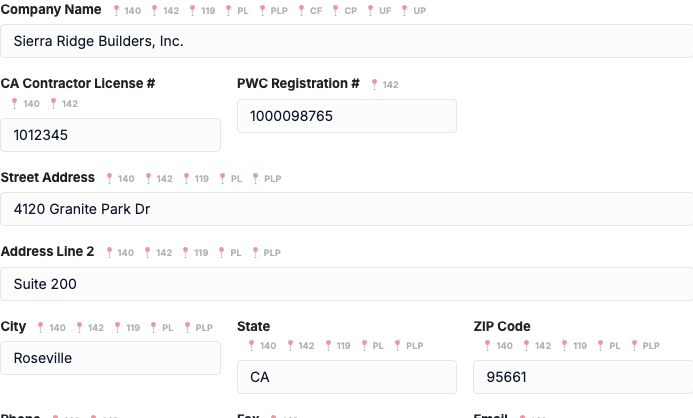
- Company Profile & QuickBooks — Set up your company details and signature, and sync everything automatically from QuickBooks Online.
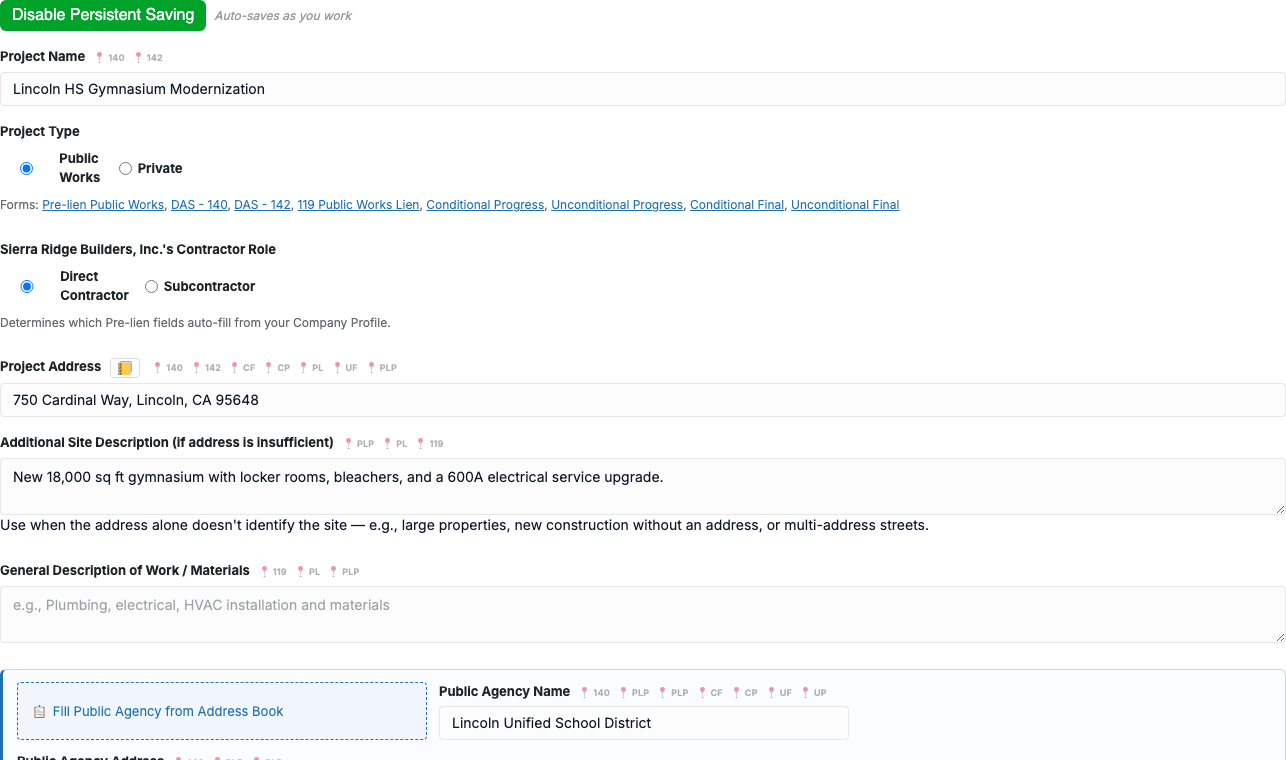
- Projects — Create a job, set its type & your contractor role, add subcontractors, send Information Requests, and find any project in seconds.
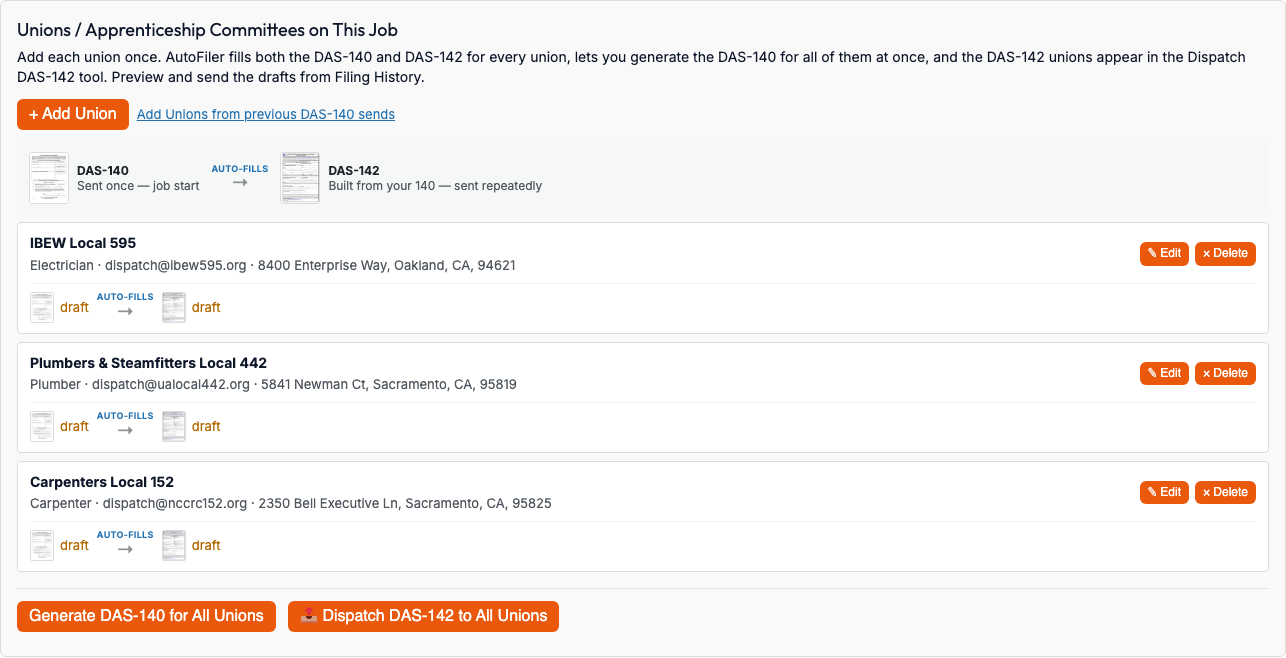
- Unions & Dispatch — Enter each apprenticeship committee once, then fan out the DAS-140 and run repeatable DAS-142 dispatch rounds.
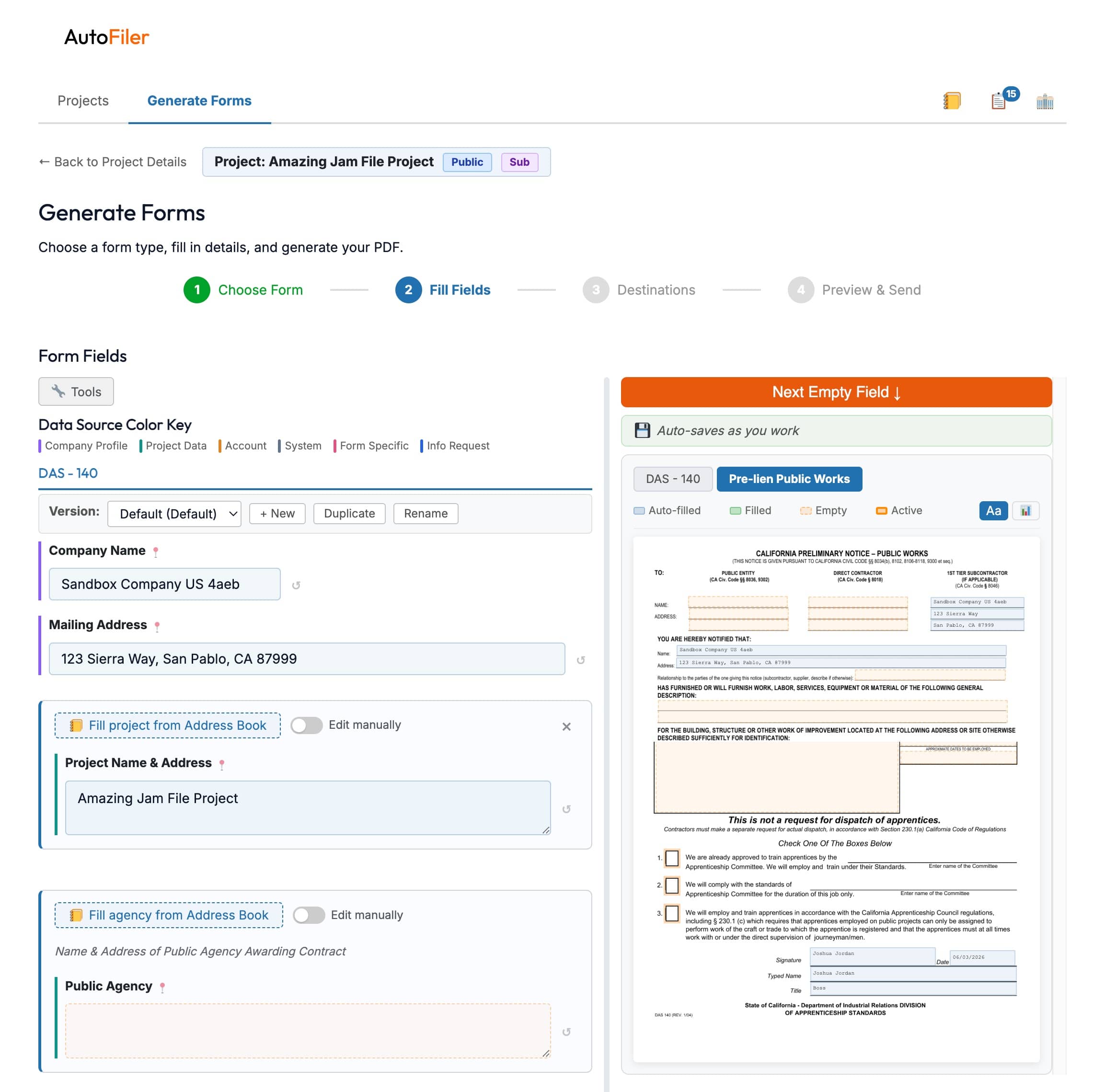
- Generating Forms — The 4-step wizard: choose your forms, fill fields with a live PDF preview, generate, and preview.
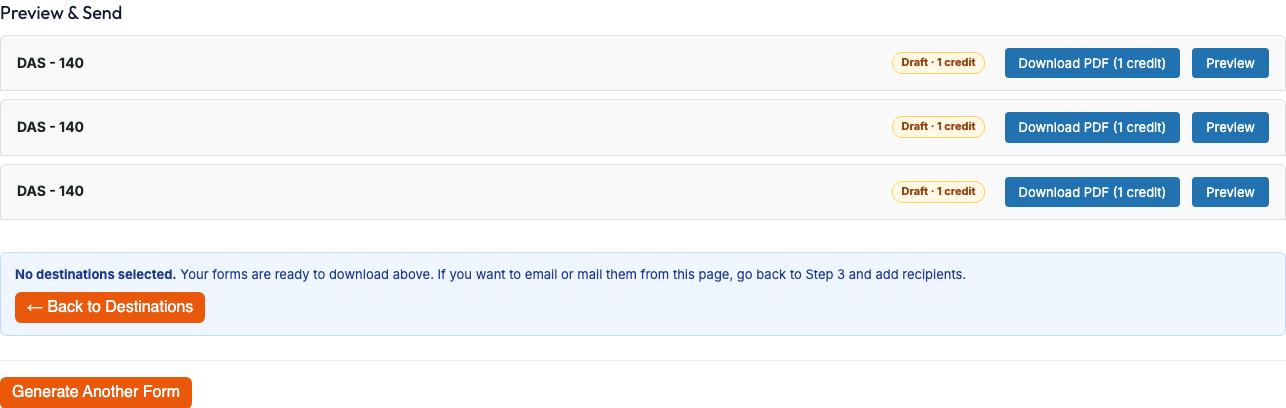
- Sending & Delivery — Download, email, or USPS-mail your forms (with tracking), and let DAS-142 recipients reply with no login.
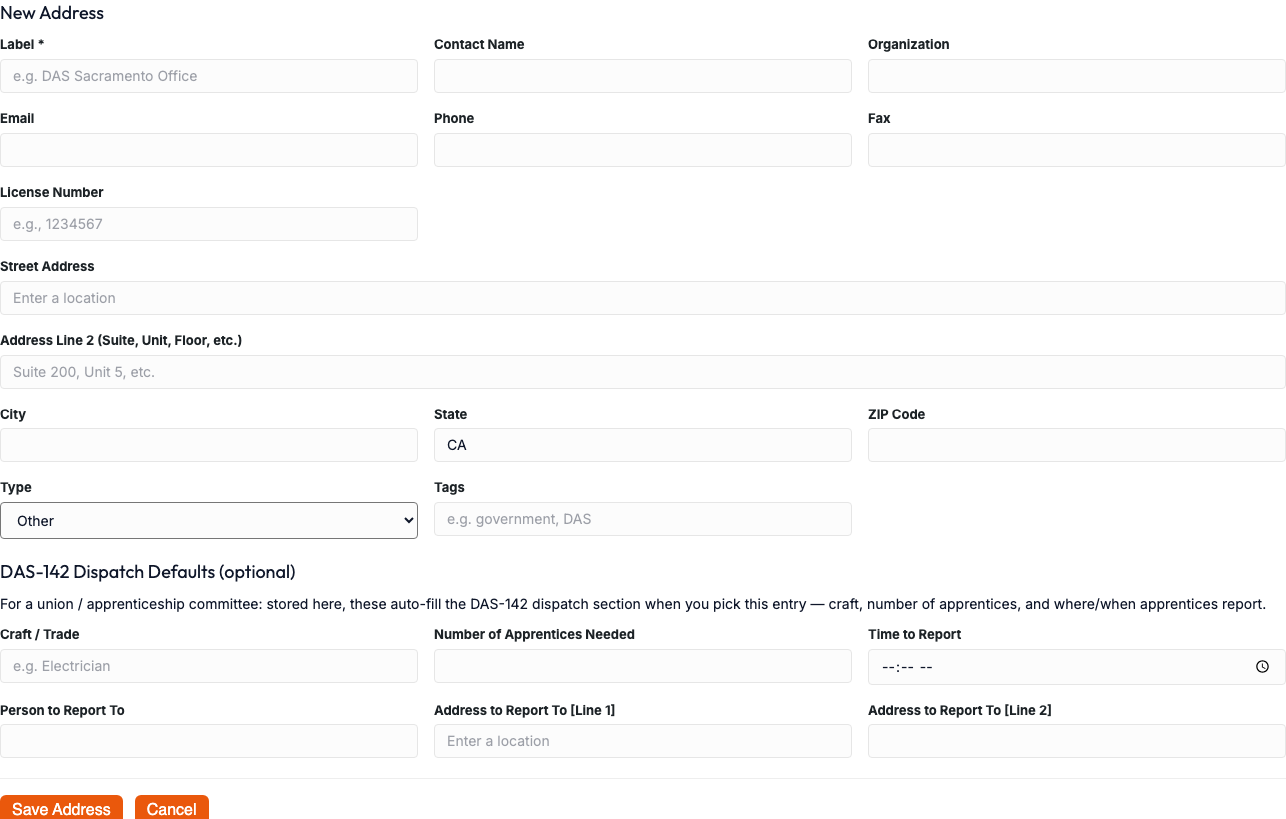
- Address Book — Save contacts once, store per-committee dispatch defaults, mark favorites, and bulk-import by CSV.
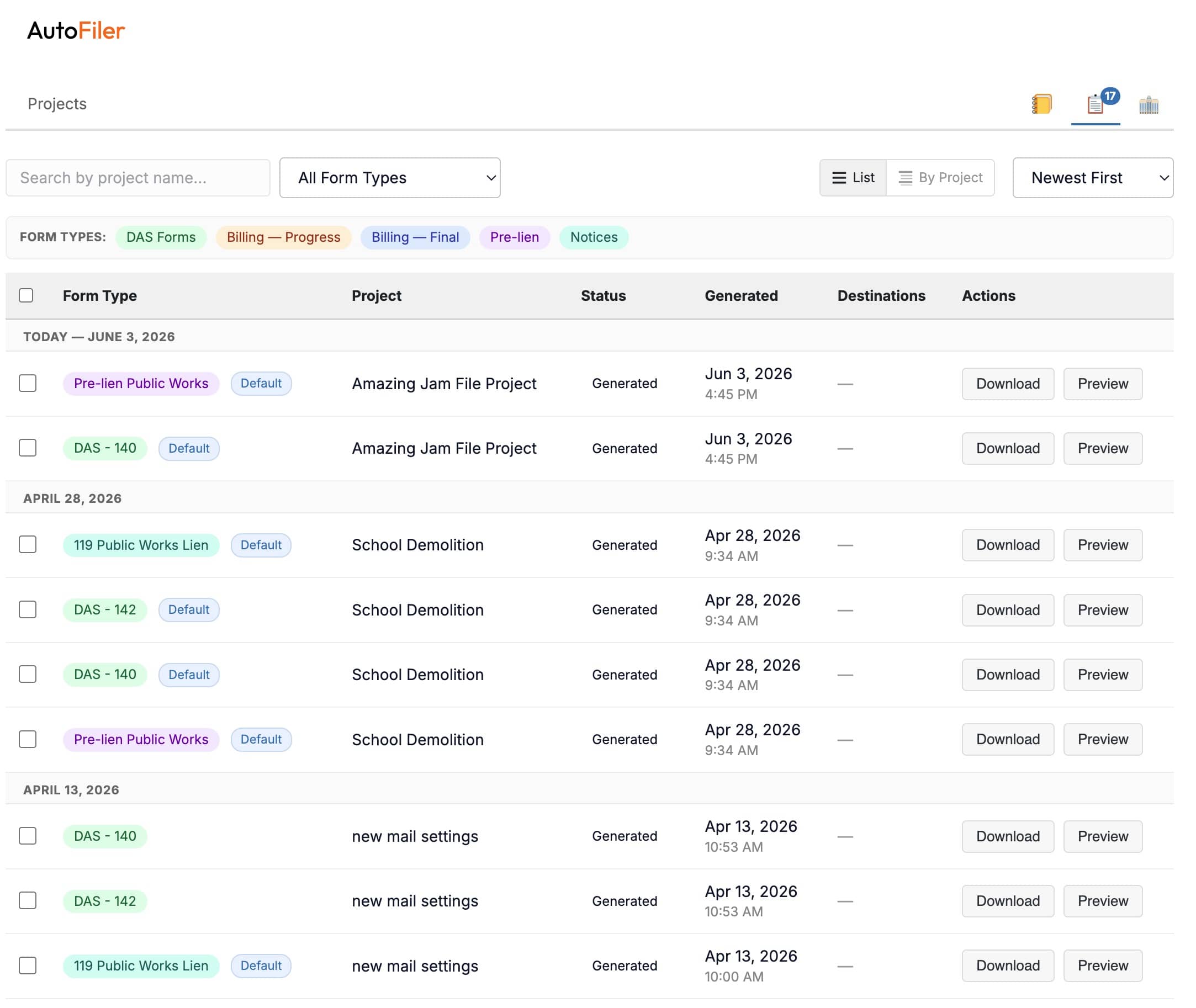
- Filing History — Every form you’ve generated, with status, the form-type color key, and live mail tracking.
- Tips & FAQ — Best practices and quick answers to common questions.
Explore by section
Need Help?
If you have questions or run into any issues, reach out via our Contact page or call us at (916) 234-3277. We’re here to help you get your forms filed quickly and accurately.