Getting Started
Getting Started · Company Profile & QuickBooks · Projects · Unions & Dispatch · Generating Forms · Sending & Delivery · Address Book · Filing History · Tips & FAQ
Getting Started with AutoFiler
AutoFiler automates the generation of California public works and private project compliance forms — DAS-140 and DAS-142 dispatch forms, Form 119 notices, pre-lien preliminary notices, and conditional/unconditional lien waivers. Fill in your company and project details once, then generate pre-filled PDFs on demand. Previewing is always free, and you only spend a credit when you download, email, or mail your finished form.
This multi-page guide walks you through the entire process, in order: create your account, set up your Company Profile, build a project, generate your forms, and send them. Start with the complete walkthrough below, then follow the pages along the top in sequence.
1. Create Your Account
Visit the Register page and create a new account. Once registered, you’ll automatically receive 10 free credits to get started — enough to download or send your first handful of filings before you ever pay anything.
How Credits Work
Generating and previewing forms is free. AutoFiler uses a pay-on-commit model — you build and check your work for free, and a credit is only spent the first time you take action on a finished form:
- Generate & preview — free. Create as many draft forms as you like and preview them in your browser without spending anything.
- Download PDF — 1 credit (first download only; re-downloading the same form is free)
- Send via Email — 1 credit per form (first send only; re-sending is free)
- Mail via USPS — 1 credit activation + 1 credit per letter mailed
If you regenerate a form with the exact same data, no additional credit is charged — AutoFiler recognizes the duplicate and returns your existing filing. You can preview, tweak, and regenerate as much as you want; the credit is tied to the finished delivery, not the work.

Access Options
- Free credits — 10 credits the moment you sign up.
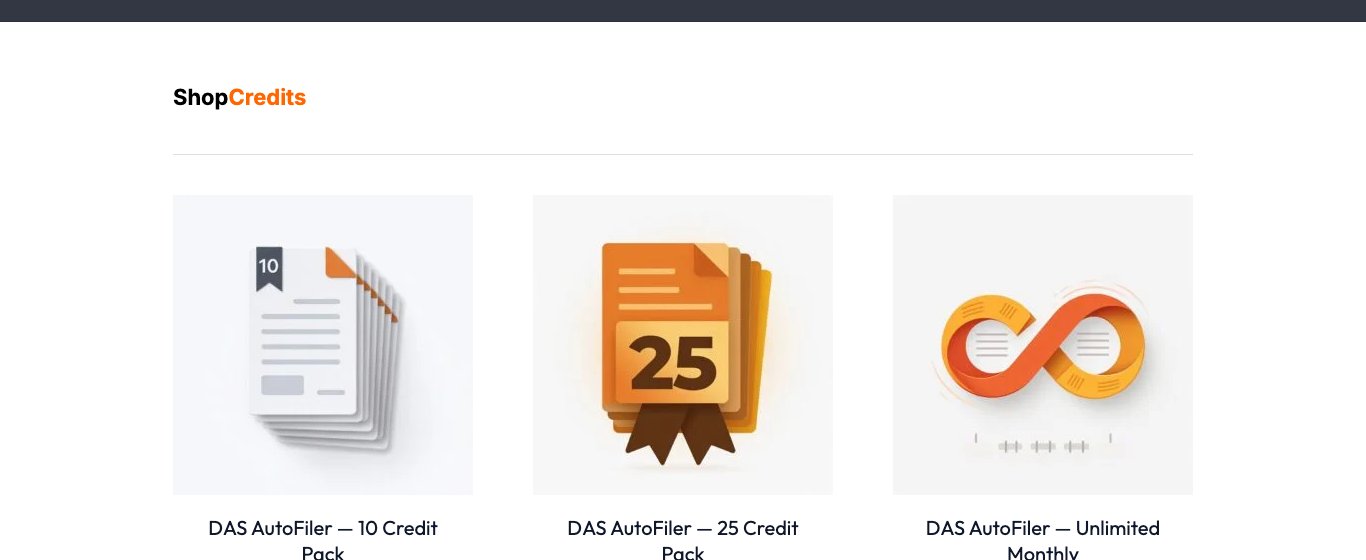
- Credit packs — Need more? Buy additional credits from the Shop. Credits never expire.
- Subscription — An active subscription gives you unlimited form generation, downloads, and email sending (USPS letter postage still applies per letter).
Your current credit balance is always displayed in the dashboard header. Even with zero credits you can still log in, view your projects, browse your filing history, and re-download forms you’ve already paid for — running out of credits never locks you out of your own data.
Data Retention
Your account data — projects, generated forms, saved addresses, and contacts — is retained for 365 days from when you register. If you have an active subscription, your data is kept for as long as the subscription stays active.
Before any scheduled removal, AutoFiler sends you reminder emails at 90, 30, and 7 days out, so nothing is ever deleted by surprise. At any time you can save a complete copy of everything using the Download My Data link in the dashboard. And subscribing at any point clears the retention clock entirely — your data stays as long as you’re a subscriber.

Next: set up your Company Profile & QuickBooks → so your company details auto-fill on every form.